Build the next greatest app.
(or just your best yet)
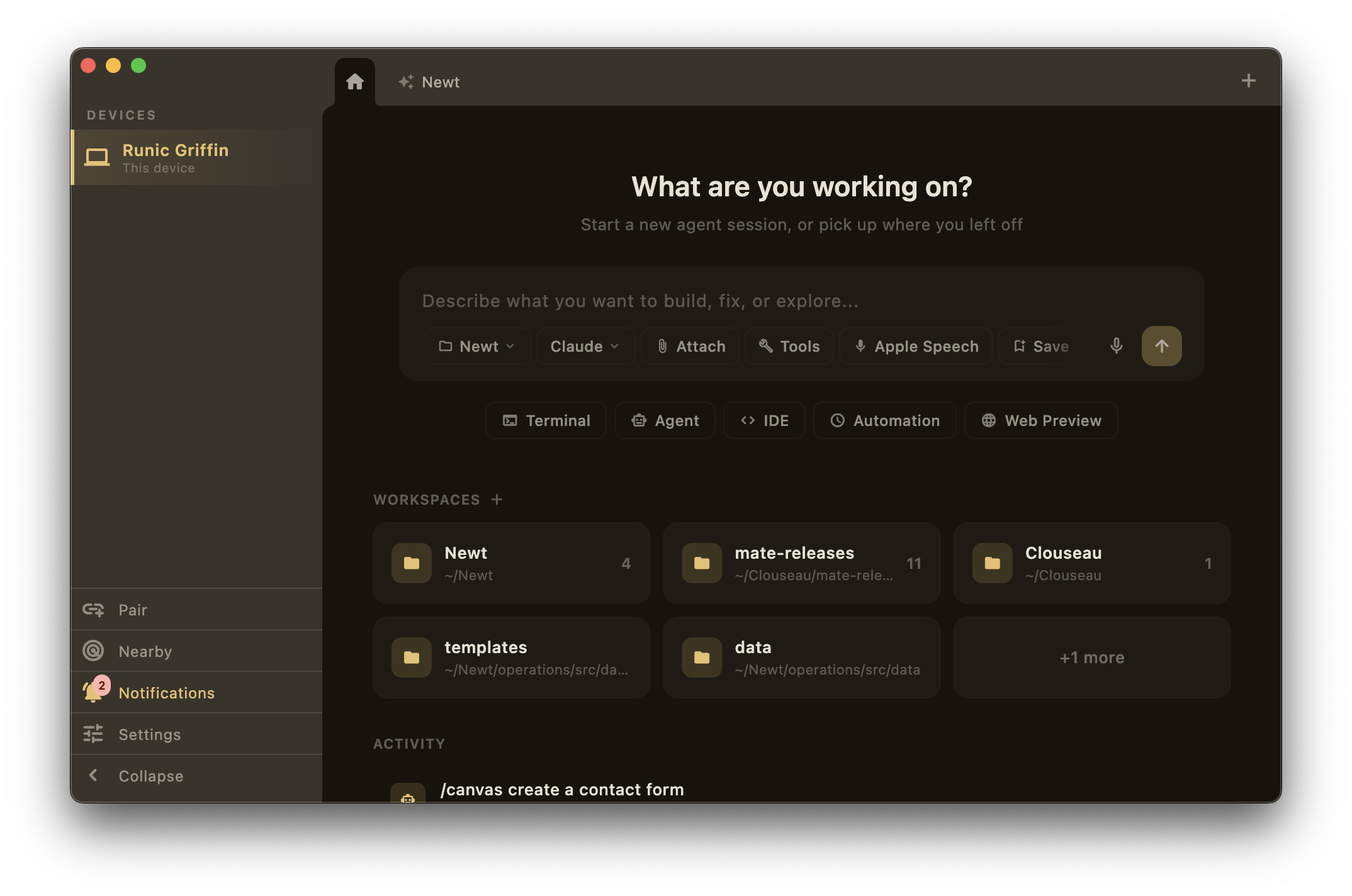
AI agents, terminal, editor, connectors — on every device.
Works with
 Claude Code
 GitHub
 Slack
Slack Notion
 AWS
AWS Docker
 PostgreSQL
 MongoDB
 Vercel
 StripeClaude CodeGitHubSlackNotionAWSDockerPostgreSQLMongoDBVercelStripe
 Linear
 Supabase
 OpenAI
 Sentry
 Redis
Redis Kubernetes
 Shopify
 Cloudflare
 Replicate
 ElevenLabsLinearSupabaseOpenAISentryRedisKubernetesShopifyCloudflareReplicateElevenLabs
The workspace
Mate is where agentsand developers work togetheracross devices.
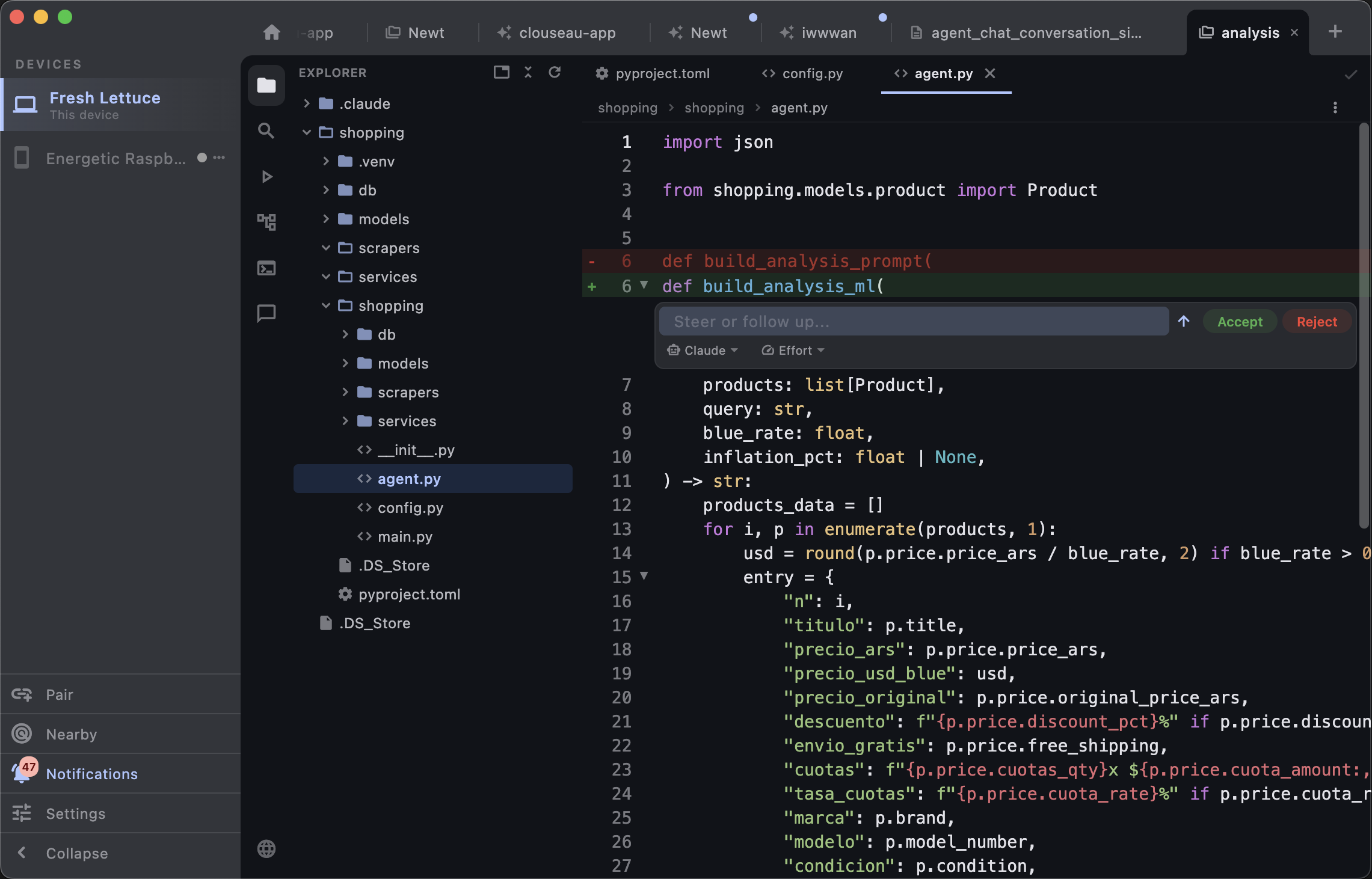
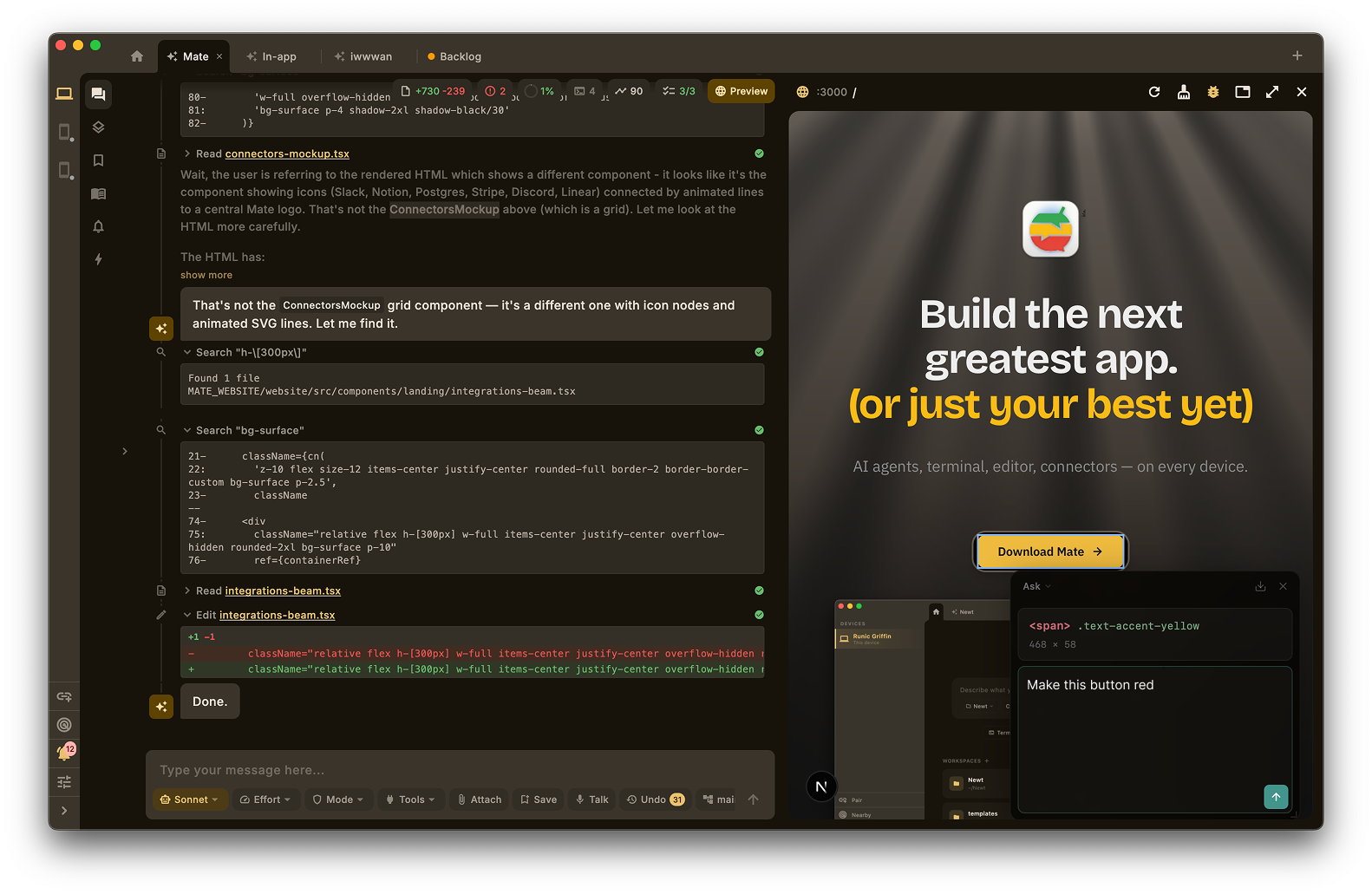
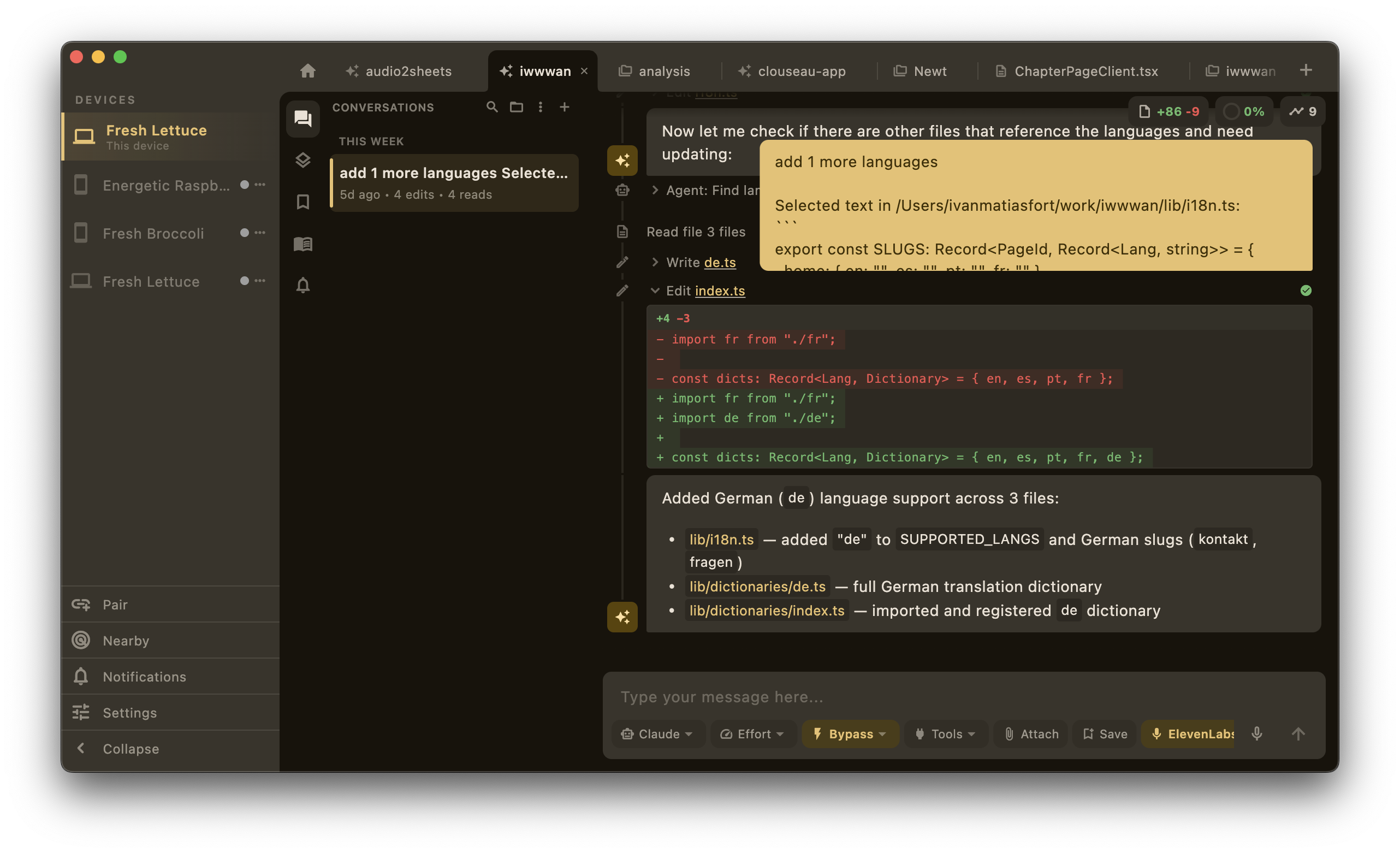
Inline edits, right where your cursor is.
Hit ⌘I on any selection. Describe what you want in plain English. Accept the diff, reject it, or tweak the prompt and try again — without leaving the line you’re on.
The full IDE — files, tree, search, agents — no switching.
Syntax highlighting, multi-file editing, git-aware file tree, global search. Open any file while the agent works on another. Everything updates the moment the agent makes a change.
Inline edits, right where your cursor is.
Hit ⌘I on any selection. Describe what you want in plain English. Accept the diff, reject it, or tweak the prompt and try again — without leaving the line you’re on.
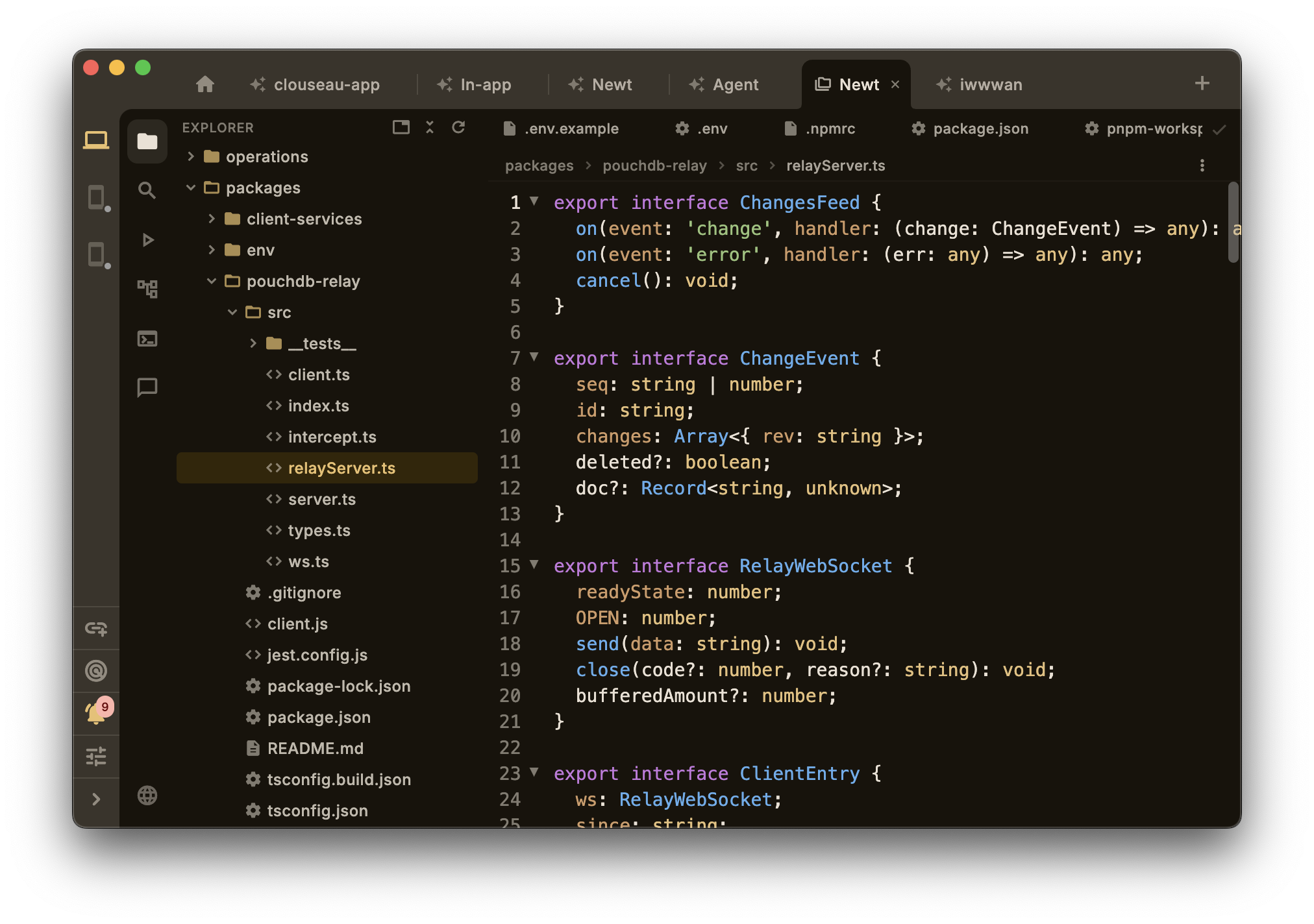
The full IDE — files, tree, search, agents — no switching.
Syntax highlighting, multi-file editing, git-aware file tree, global search. Open any file while the agent works on another. Everything updates the moment the agent makes a change.
import { Request, Response } from 'express';
export function rateLimiter() {
const hits = new Map<string, number[]>();
const windowMs = 60_000;
const maxRequests = 100;
const counter = new SlidingWindowCounter(windowMs);
return (req: Request, res: Response, next: Function) => {
const key = req.ip ?? 'unknown';
next();
};
}
Refactoring is boring. Let it be boring.
⌘I on any line. Describe what you want in English. The diff appears right there, inline. No tab switch, no copy-paste.
If it runs in iTerm, it runs here.
vim, htop, tmux — tabs, scrollback, true-color. We didn’t build a toy terminal.
Here's the funnel rendered as an interactive chart →
Seeing is believing. Shipping is knowing.
The agent renders HTML, charts, and demos in a panel next to the chat. You talk, it builds, you see it live.
Design with Mate.
/canvas gives the agent a live renderer — ask for anything, it appears instantly. /preview lets you browse your own running servers from any device.
Across devices
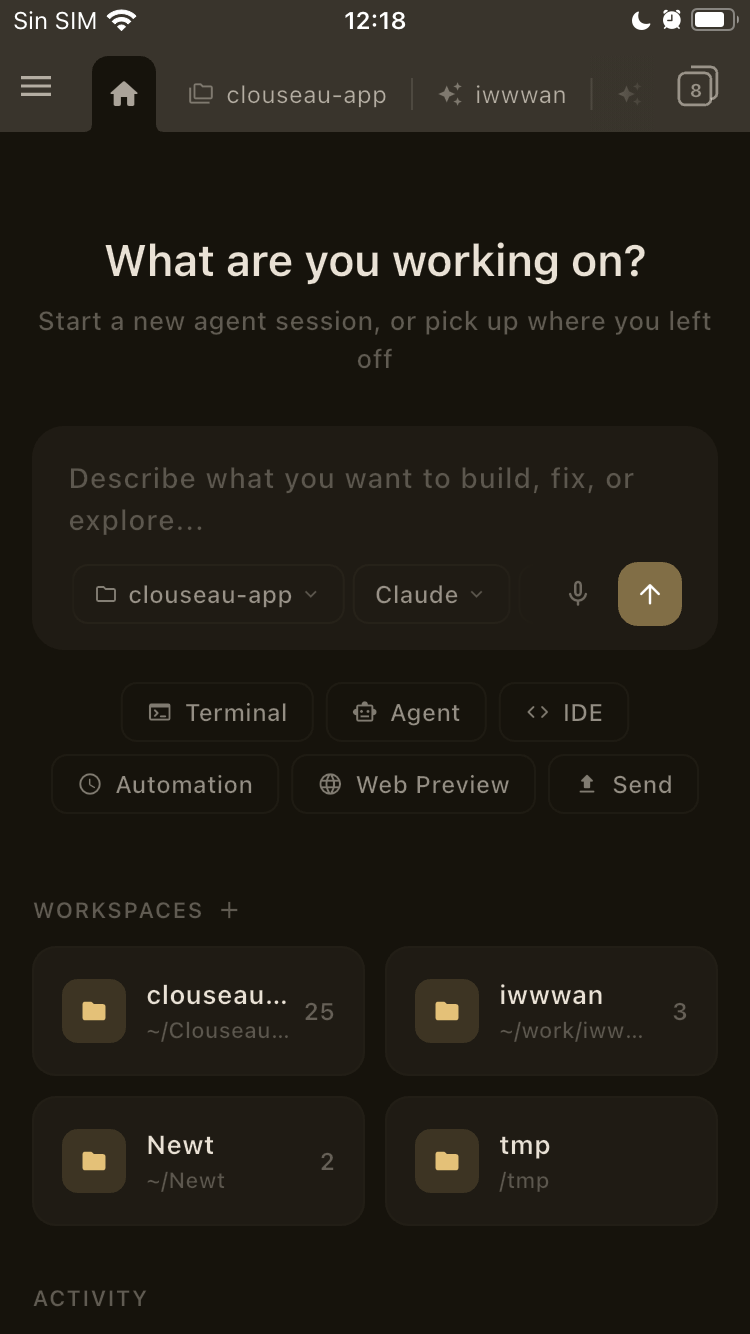
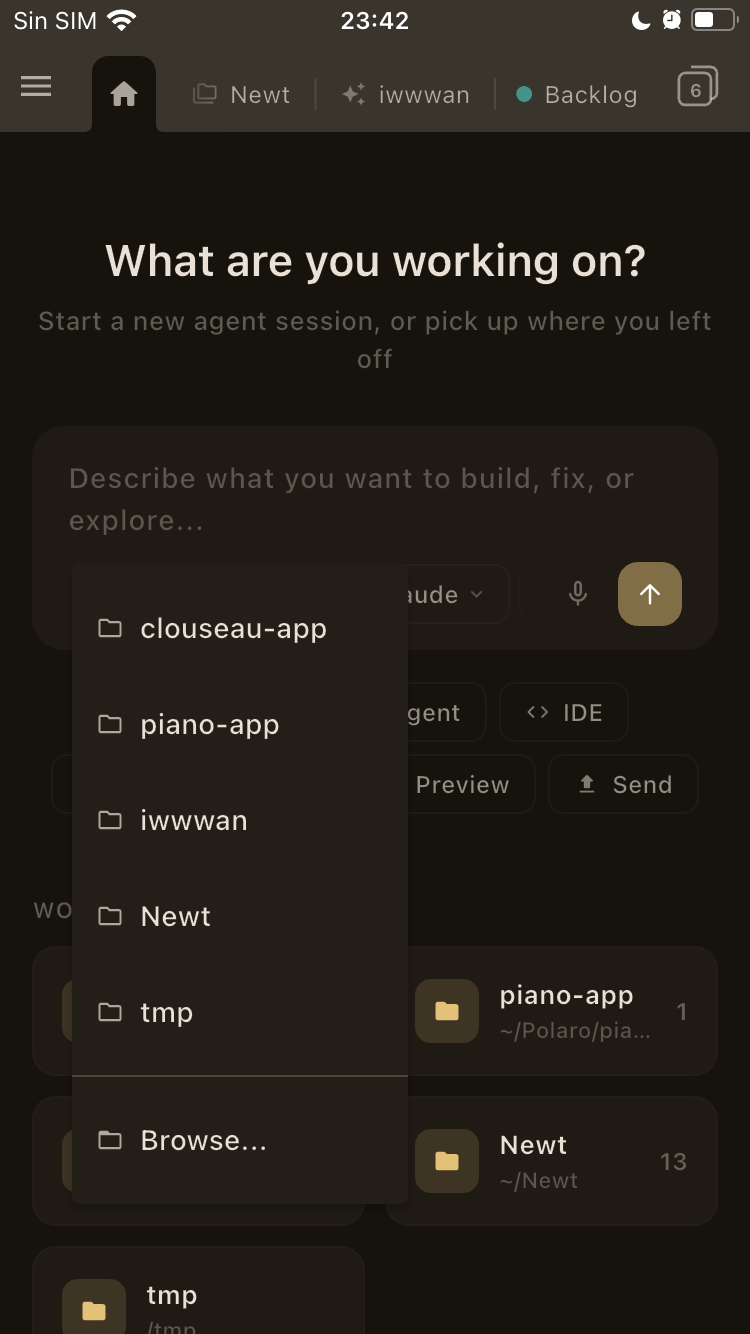
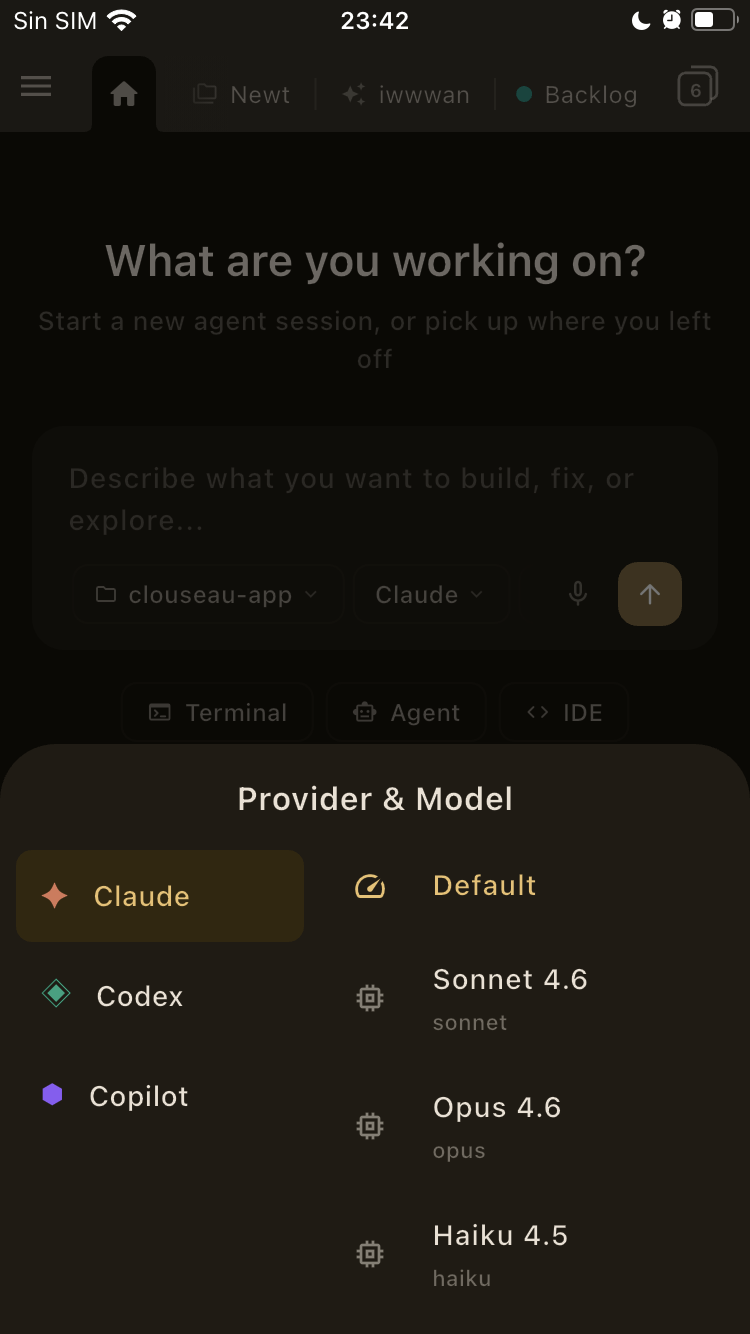
Start on your computer.Continue on your phone.
Your computer, in your pocket.
The app connects over your local network — no cloud, no relay. You get the same terminals, agent chats, IDE, and web previews running on your computer. Not a remote view. The real thing.
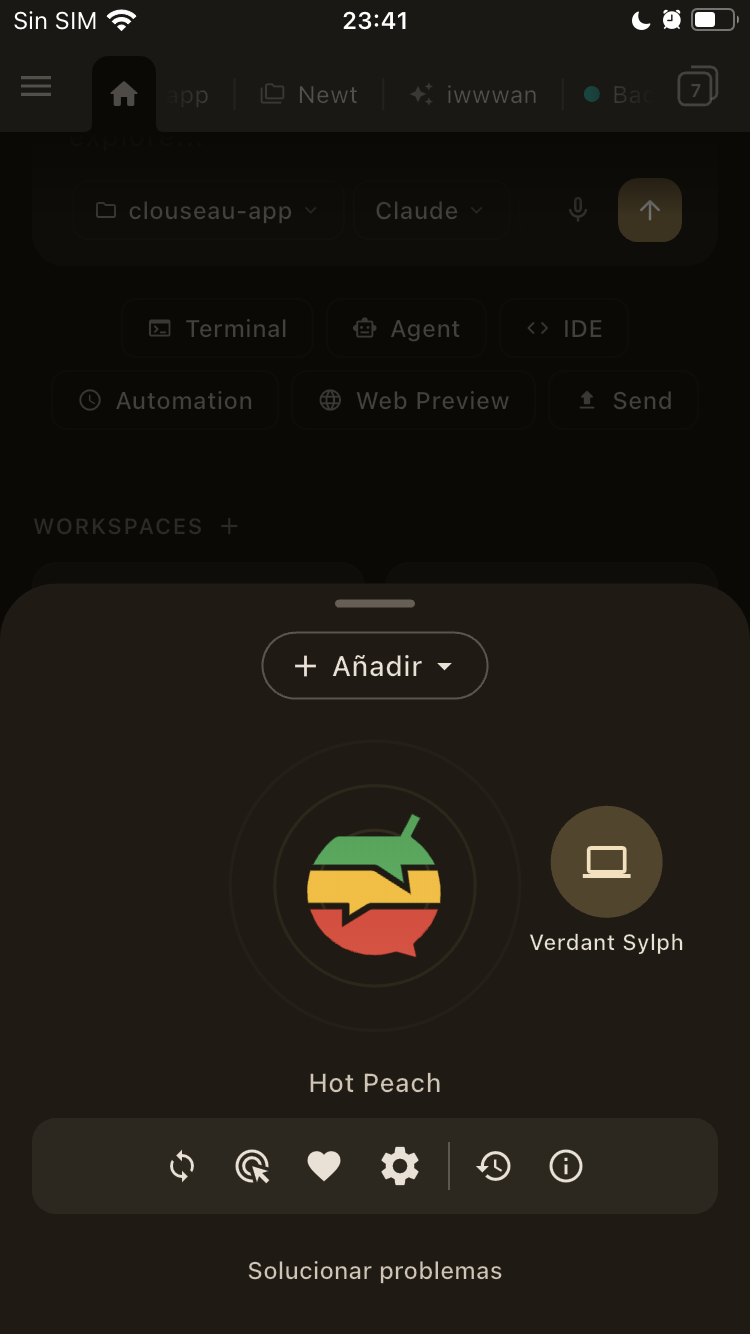
Notifications, previews, transfers, agents and more.
Push notifications when an agent finishes or needs input. Open your running localhost directly on the device — see how it looks on a real screen. Start new agent sessions from your phone, too.
File transfers, terminal drops, agent attachments and more — all from your phone.
Pick any file from your camera roll. It lands in whatever directory your terminal is currently in. Or attach a photo directly to the agent. Or just send files between paired devices — no cable, no cloud.
Your computer, in your pocket.
The app connects over your local network — no cloud, no relay. You get the same terminals, agent chats, IDE, and web previews running on your computer. Not a remote view. The real thing.
Refactored auth module — 4 edits, 12 reads
#247 — Add pagination to user list
3 failures in auth.test.ts
Production deploy completed
Notifications, previews, transfers, agents and more.
Push notifications when an agent finishes or needs input. Open your running localhost directly on the device — see how it looks on a real screen. Start new agent sessions from your phone, too.
File transfers, terminal drops, agent attachments and more — all from your phone.
Pick any file from your camera roll. It lands in whatever directory your terminal is currently in. Or attach a photo directly to the agent. Or just send files between paired devices — no cable, no cloud.
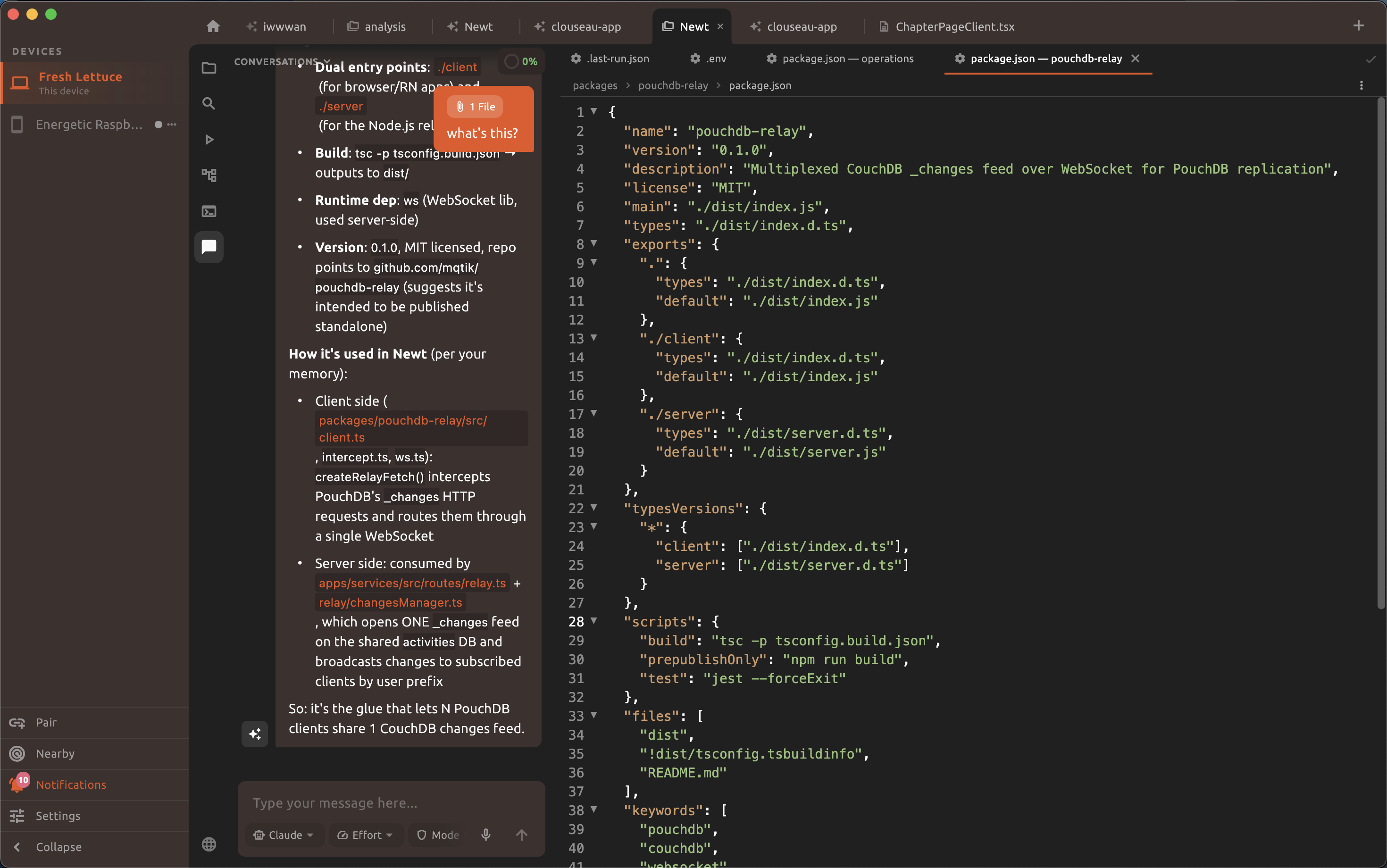
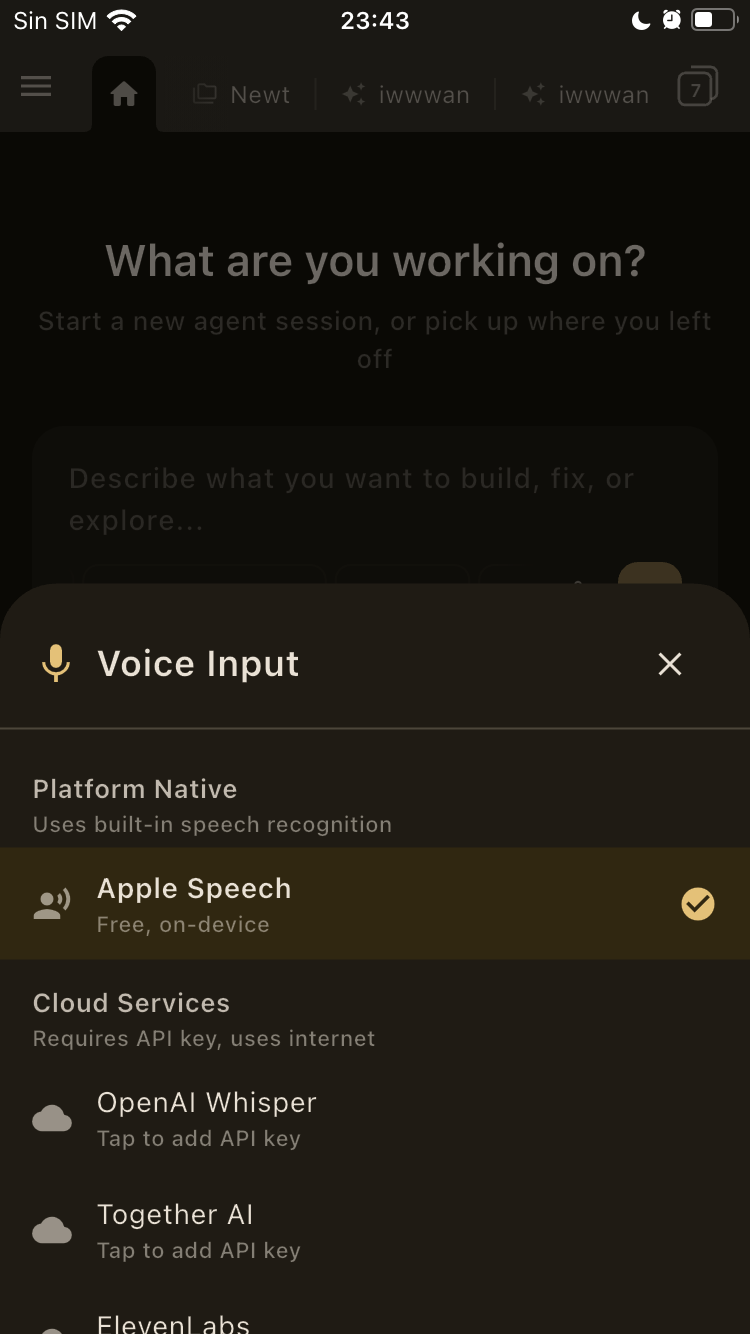
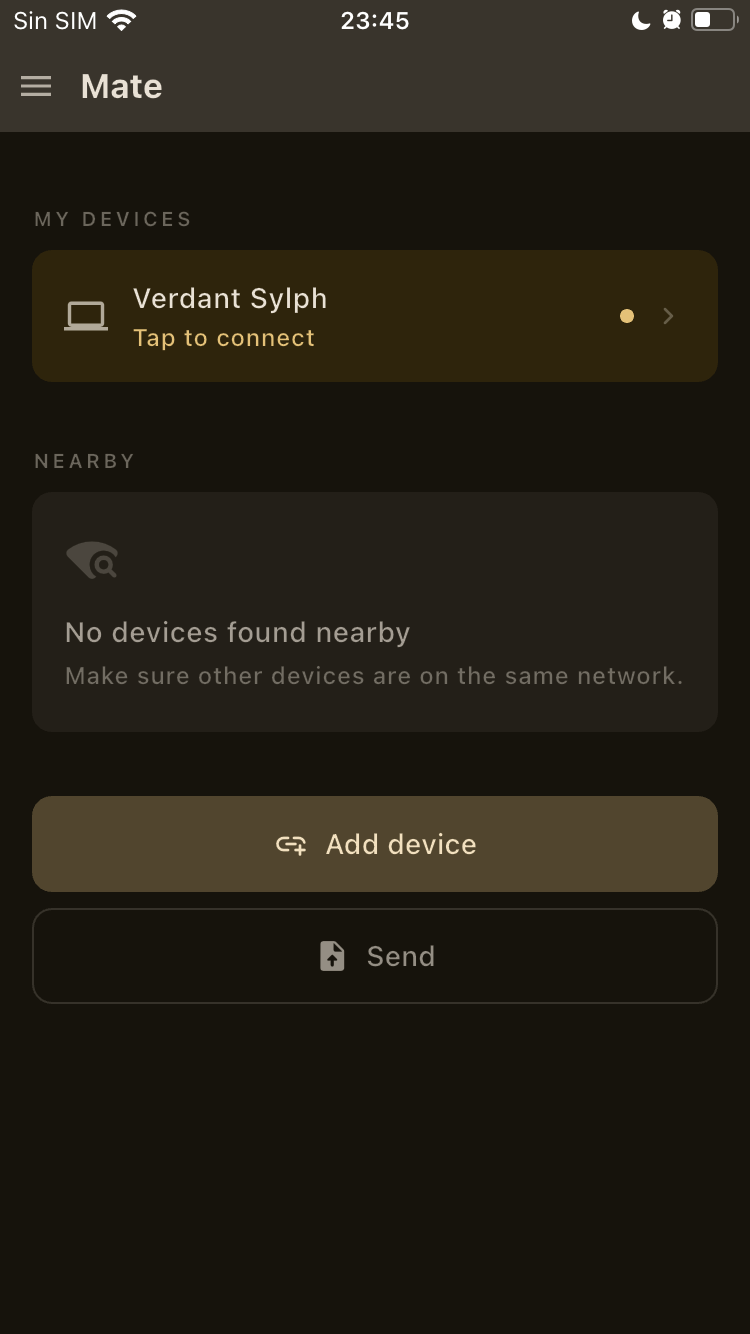
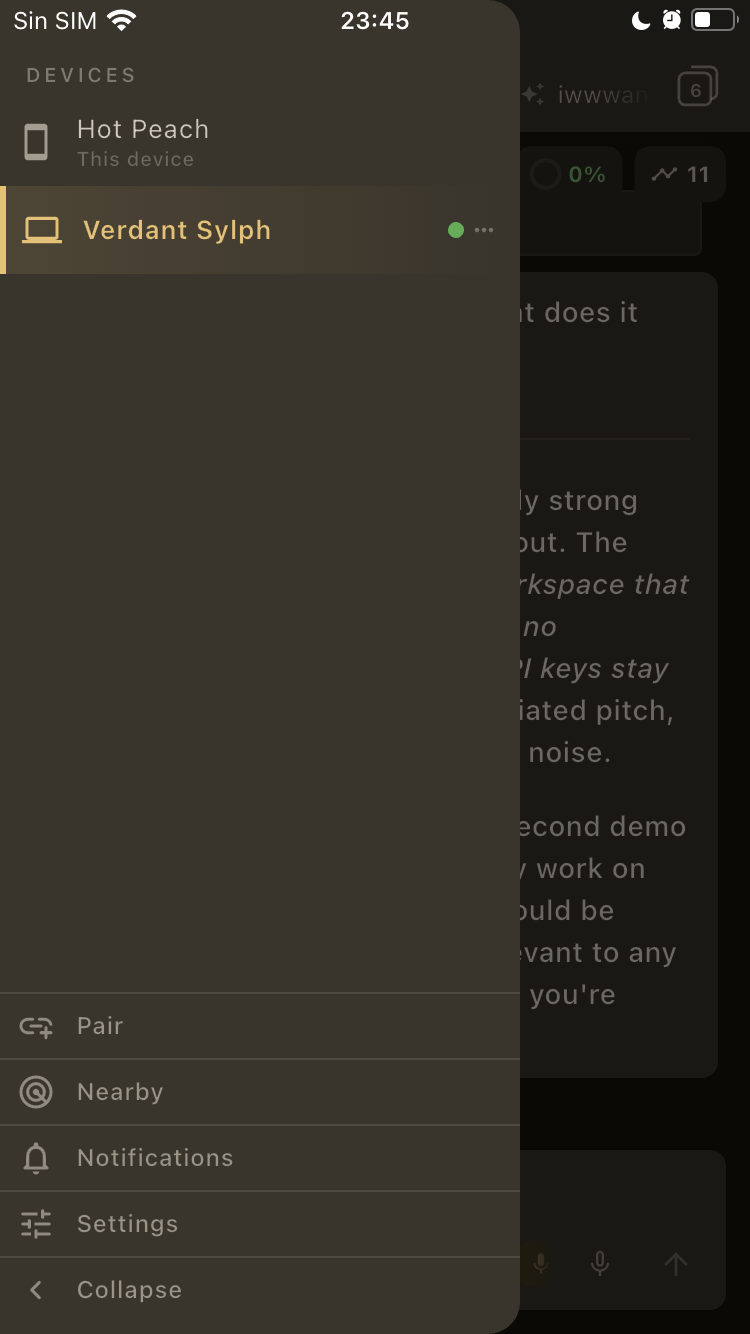
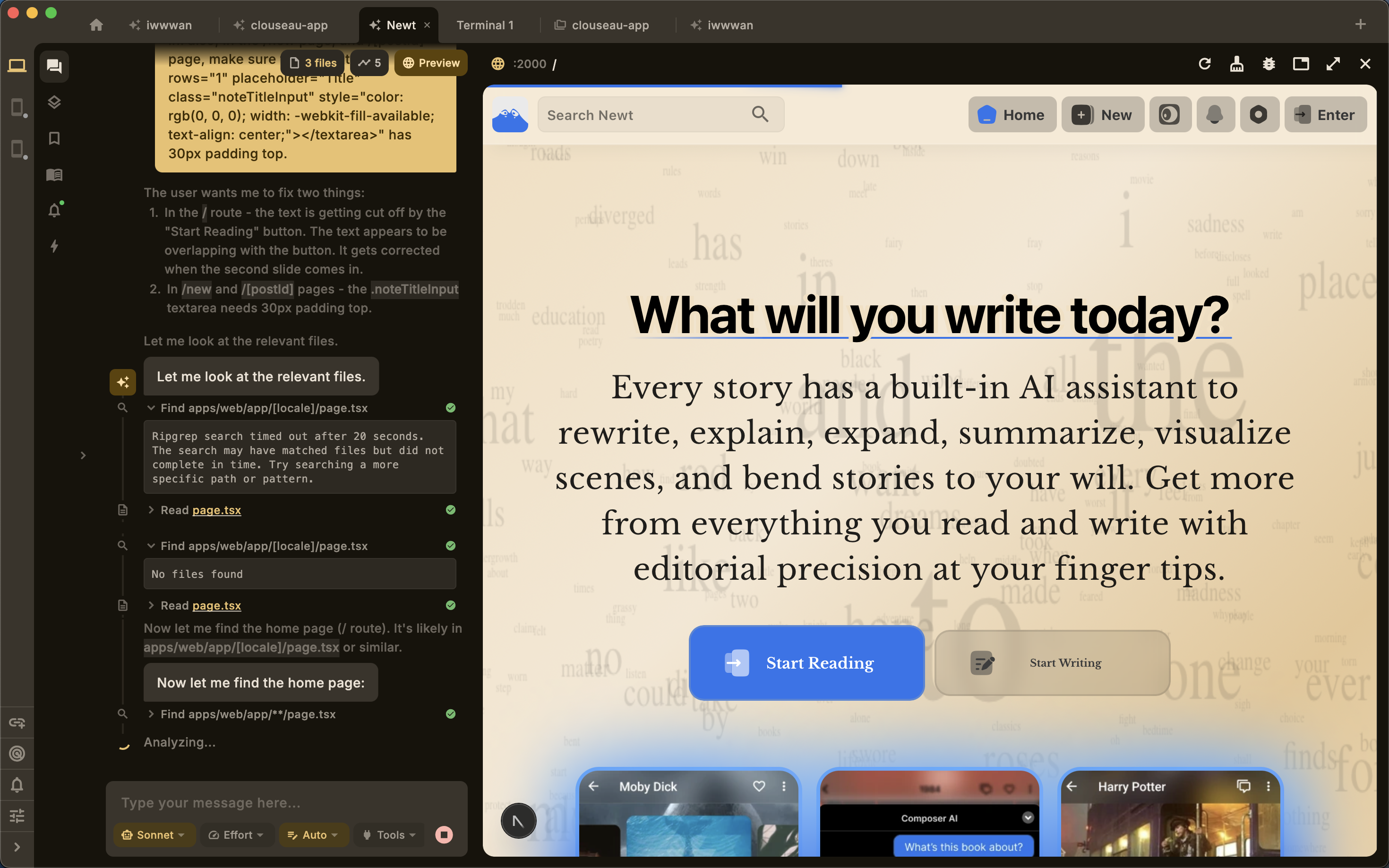
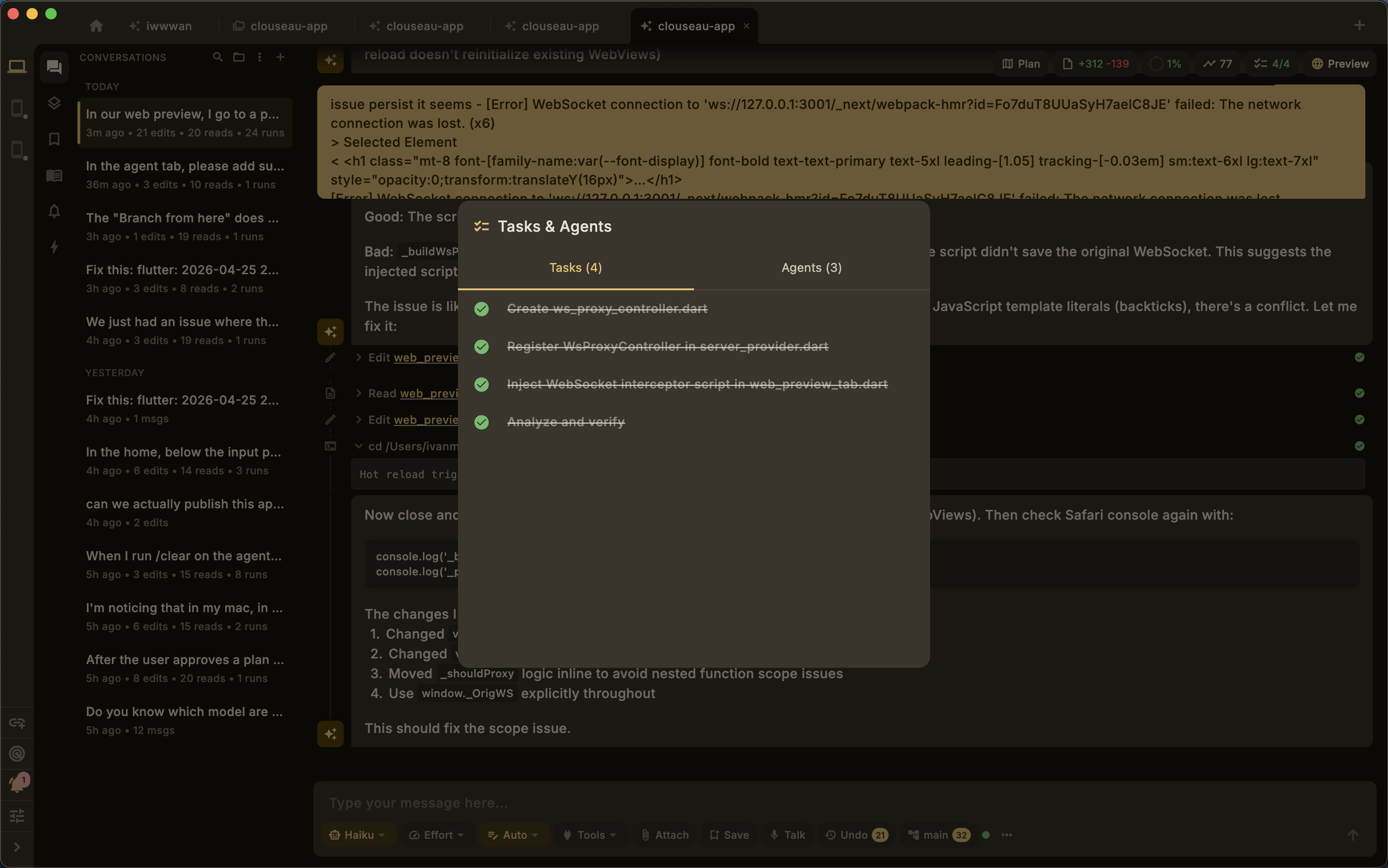
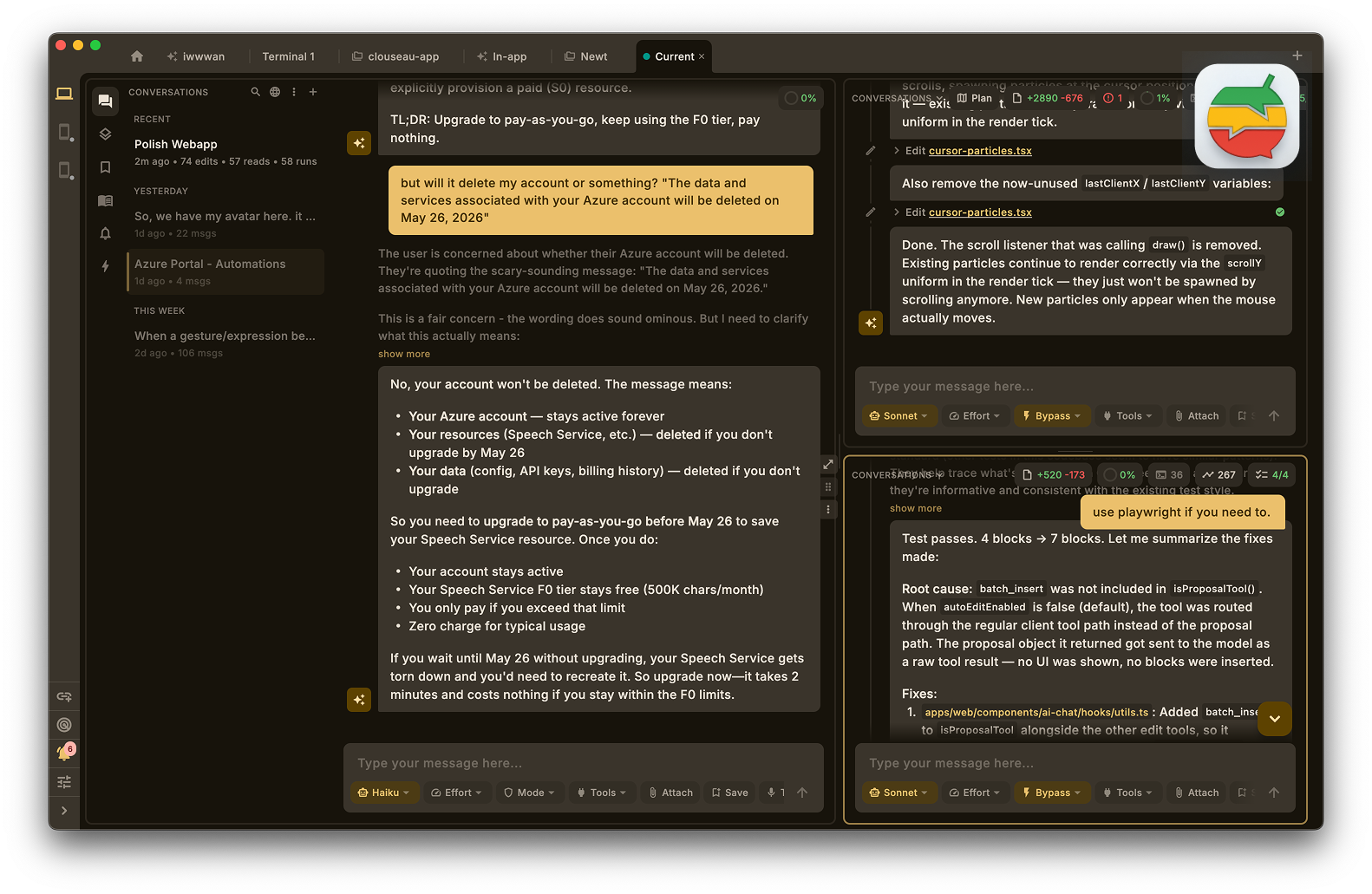
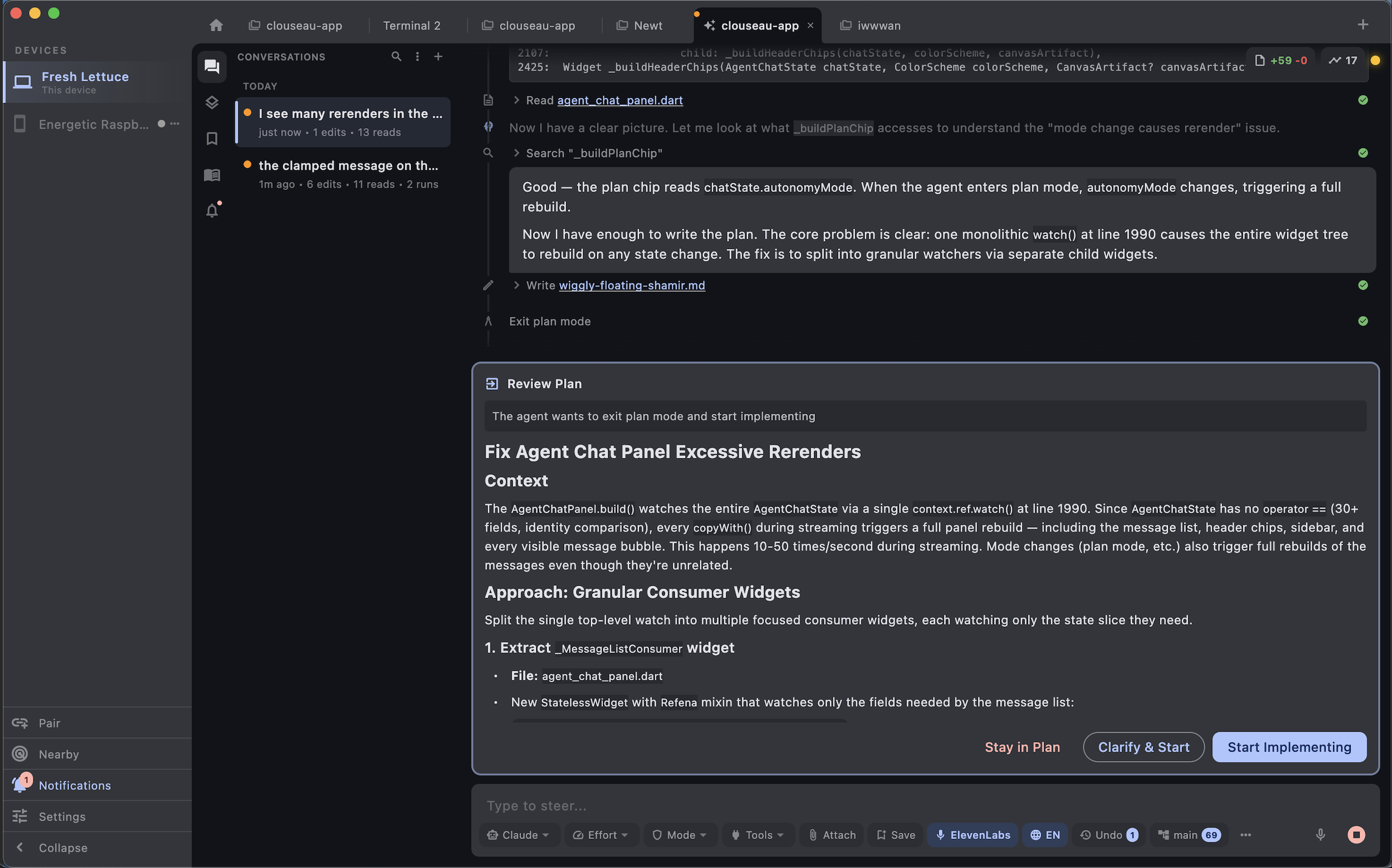
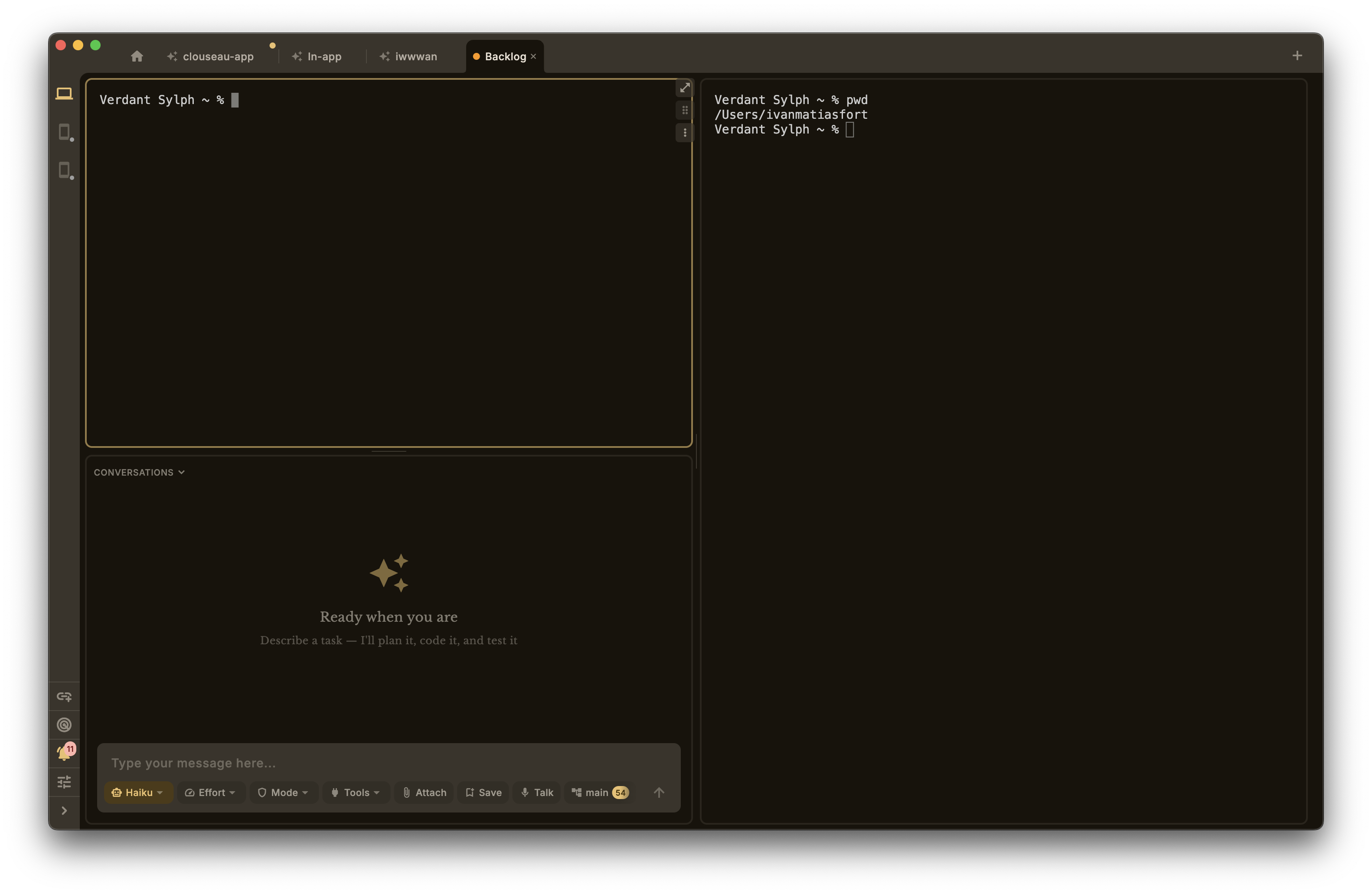
Run the tests. Watch the logs. Talk to the agent. And more. At the same time.
Extend it
Integrate your agentsto anything.
Every connector already ships in the box.
Postgres, Slack, Notion, Stripe, AWS, Vercel — all of them. Node.js is bundled. Toggle one on, your agents can use it. No install commands, no config files, no Docker.
Every connector already ships in the box.
Postgres, Slack, Notion, Stripe, AWS, Vercel — all of them. Node.js is bundled. Toggle one on, your agents can use it. No install commands, no config files, no Docker.
One agent is good. Three is faster.
One refactors auth, another writes tests, a third deploys. Watch them all from one place — or don’t. They’ll ping you when they’re done.
Sometimes you just don’t want to type.
Whisper runs locally. Or use cloud speech. Describe what you need out loud, go hands-free.
Write a clean commit message from your staged changes
Review a GitHub PR with actionable feedback
Improve typography hierarchy and readability
Plan a feature's UX before coding
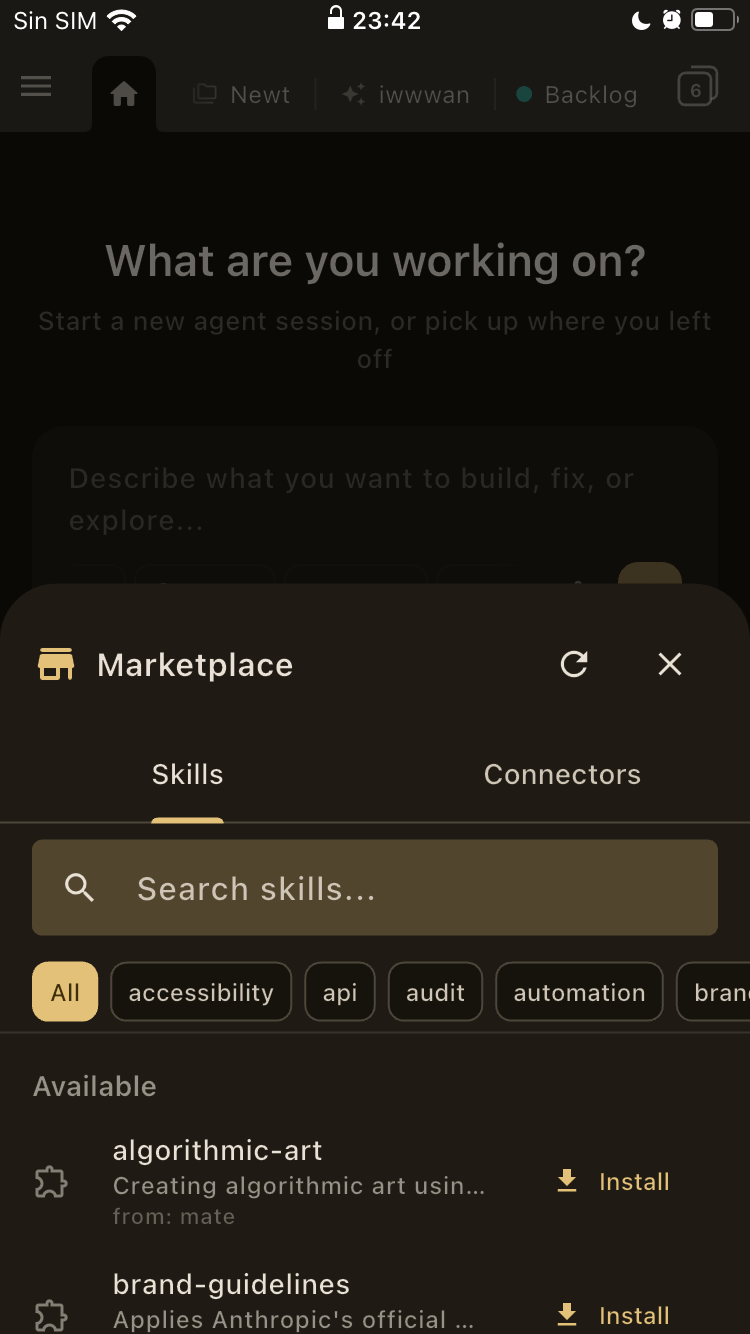
Good routines deserve a shortcut.
/commit, /review-pr, /release — a growing library of one-click commands. Install them, tweak them, build your own.
Set it running. Go to bed.
Cron jobs, webhooks, file watchers. Attach a prompt or a script. It runs the agent, retries on failure, pings you when it’s done.
Connectors
We bundled everything
so you don't have to.
No npm install, no pip, no Docker compose. Toggle it on. That's the whole setup.

We have opinions.
Local-first
Your devices talk directly over Wi-Fi. No waiting, no middleman.
Your keys, your machine
API keys stay in your OS keychain. We literally can’t see them.
Bundled runtime
Node.js ships inside the app. Connectors just work.
Cross-platform
macOS, Windows, Linux, Android, iOS. Same app. Actually the same app.
Ready when you are
Seen enough?
macOS, Linux, and Android. iOS and Windows on the way.
macOS 12+ · Ubuntu 20.04+ · Android 8+